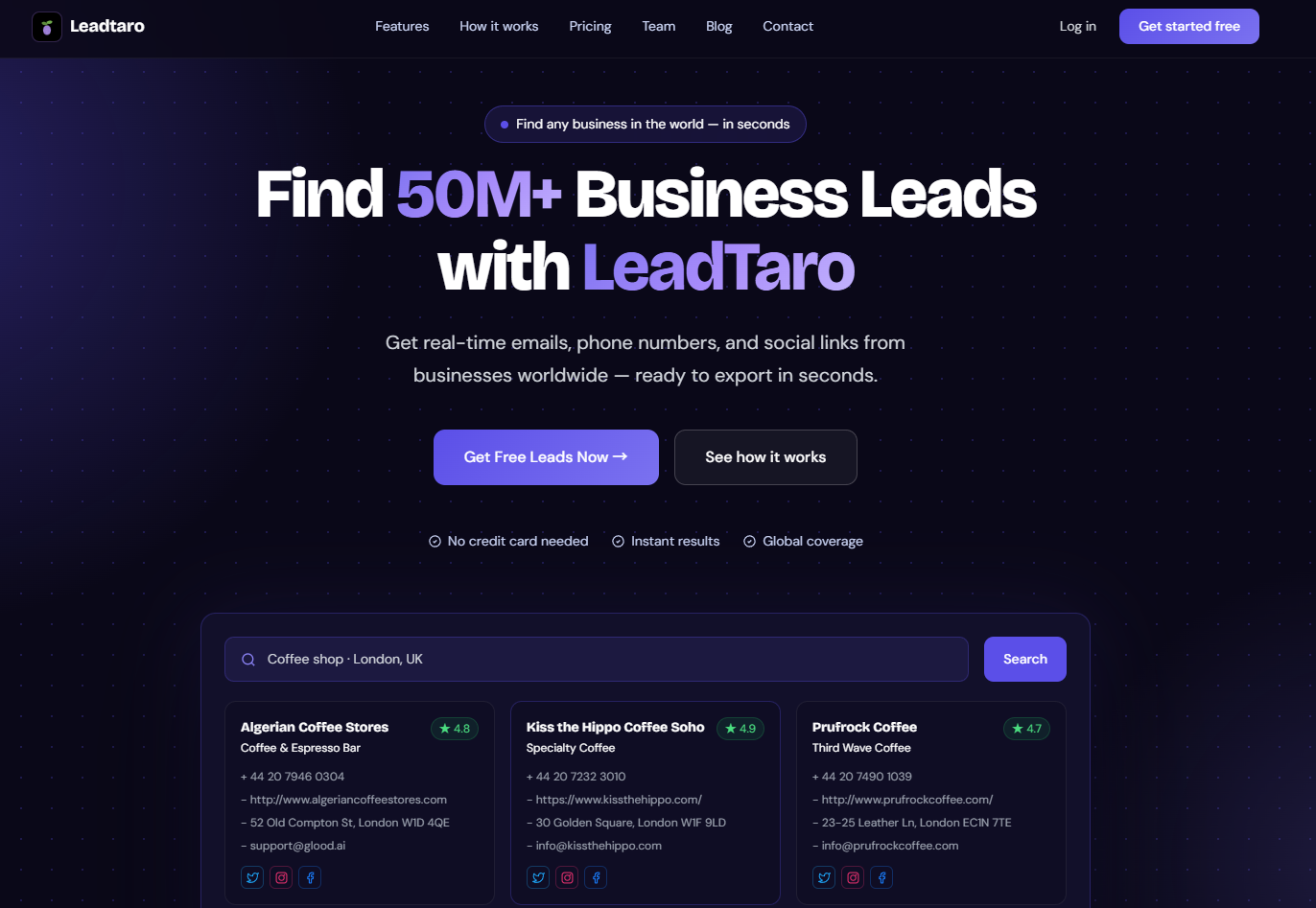
Choosing the right platform for lead generation can make a significant difference to your sales results. Instagram is useful for discovering visual brands, creators, and businesses that actively engage with social media. Google Maps, on the other hand, helps sales teams discover local businesses and find the contact information they need to start conversations.
But which platform should you choose in 2026?
The answer depends on who you want to reach, how you plan to contact them, and how much time you can spend building your prospect list.
In this guide, we compare Instagram and Google Maps for B2B lead generation, explain the strengths and limitations of each platform, and show how tools like LeadBoba can help you find business leads and organize your outreach more efficiently.
Table of Contents
- Why Your Lead Generation Platform Matters
- Google Maps for Lead Generation
- Instagram for Lead Generation
- Google Maps vs Instagram: Key Differences
- How to Find Business Leads with LeadBoba
- Which Platform Should You Choose?
- Using Google Maps and Instagram Together
- Frequently Asked Questions
Why Your Lead Generation Platform Matters
Not every platform is designed for the same type of prospecting.
Instagram is primarily a social media platform where businesses showcase their products, share content, and communicate with their audiences. Google Maps helps people discover local businesses based on their location, category, and other business information.
For sales teams, the main challenge is turning these discoveries into an actionable lead list.
Finding a business is only the first step. You may also need its website, phone number, email address, location, and other information before you can begin outreach.
Manually collecting these details from individual websites and social profiles can become time-consuming, particularly when you need hundreds or thousands of prospects.
This is where business lead generation tools can help. Instead of switching between multiple websites and maintaining spreadsheets manually, you can use a dedicated platform to discover businesses, review available contact information, and organize your sales pipeline.
Google Maps for Lead Generation: Finding Local Businesses
Google Maps is a useful starting point for businesses that sell products or services to other local businesses.
Think about the types of companies that depend on local customers:
Restaurants and hospitality businesses
Plumbers, electricians, and construction contractors
Dental clinics and healthcare practices
Real estate agencies
Gyms, salons, and automotive businesses
Retail stores and professional service providers
These businesses often have public listings containing information such as their name, address, phone number, website, opening hours, and customer reviews.
For a sales team selling website development, marketing services, software, or business supplies, this information can help identify potential customers.
Advantages of Google Maps Lead Generation
1. Discover businesses by location
You can focus on a specific city, region, or country, depending on your target market and the tools you use.
2. Identify potential customers by industry
Business categories make it easier to build prospect lists around a particular niche. For example, a marketing agency could target restaurants, dentists, or independent retailers.
3. Qualify prospects before outreach
Business websites, customer reviews, and other available details can help you decide which prospects are worth contacting.
4. Find contact information
Public business listings and their associated websites may provide phone numbers, email addresses, and social media links. However, not every business publishes every type of contact information, and availability varies.
Limitations of Google Maps
Google Maps is not a complete sales database. It primarily focuses on businesses and places, rather than providing comprehensive information about individual decision-makers.
Some businesses have no website or publicly listed email address. Others may have outdated details or duplicate listings.
There are also platform terms and privacy requirements to consider when collecting and using business information.
For teams that need to search across different sources, a broader business lead generation platform can be more practical than relying on one source alone.
Instagram for Lead Generation: Finding Businesses Through Social Media
Instagram can be an effective prospecting channel when your target customers actively use social media to promote their businesses.
Examples include:
Photographers and creative professionals
Interior designers and visual artists
Fitness coaches and personal trainers
Beauty salons and makeup artists
Restaurants and independent food brands
Influencers, creators, and lifestyle businesses
Instagram profiles can reveal more than basic contact information. Recent posts, engagement, products, and brand messaging may help you understand a business before contacting it.
For example, a web design agency might discover a small business with an active Instagram account but an outdated website. That observation can become the starting point for a personalized sales message.
Advantages of Instagram Lead Generation
1. Understand a business's brand
Posts, captions, and visual content can reveal what a business sells and how it communicates with customers.
2. Discover businesses with an active social presence
Instagram can be particularly useful when social media activity is an important indicator of your ideal customer.
3. Personalize your outreach
Specific references to a business's products, services, or recent content can make your initial message more relevant.
Limitations of Instagram
Instagram is not designed to provide a comprehensive B2B contact database.
Email addresses and phone numbers may be missing from profiles, and manually researching hundreds of accounts can take considerable time.
Cold direct messages can also be difficult to scale. Platform restrictions, spam controls, and low response rates may limit the effectiveness of poorly targeted outreach.
For many B2B sales teams, Instagram works best as a supplementary research and communication channel rather than their only source of leads.
Google Maps vs Instagram: Key Differences
The following comparison highlights the practical differences between the two platforms.
CriteriaGoogle MapsInstagramPrimary purposeDiscover businesses and locationsDiscover content, brands, and creatorsBusiness discoveryStrong for location-based businessesStrong for businesses active on social mediaContact informationPublic phone numbers, websites, and sometimes emailsBio details, contact buttons, and direct messagesLocation targetingStrongAvailable, but less central to the platformBusiness qualificationListings, categories, ratings, and reviewsPosts, engagement, products, and brand activityPersonalizationWebsite and business listing informationVisual content and recent postsManual prospectingCan be time-consuming at scaleCan be time-consuming at scaleBest use caseBuilding local business prospect listsDiscovering and researching social-first businessesNeither platform guarantees accurate contact information or successful outreach. The best choice depends on your ideal customer profile and the information you need to make a sale.
How to Find Business Leads with LeadBoba
LeadBoba is a B2B lead generation platform designed to help businesses discover prospects, access business information, and manage their sales workflow.
Instead of treating prospecting as a collection of disconnected tasks, you can use LeadBoba to move from searching for businesses to organizing leads and preparing outreach.
Step 1: Search for Your Target Businesses
Start by defining the type of business you want to reach.
For example, you might be looking for:
Restaurants in London
Marketing agencies in the United States
Dentists in Australia
Construction companies in Canada
Software companies in Europe
LeadBoba supports business lead discovery across countries and industries. Your results will depend on the selected search criteria and the availability of relevant data.
Step 2: Explore Business Information
Review the available information associated with each lead.
Depending on the record, this may include:
Company name and business category
Business address and location
Website and phone number
Available email addresses
Social media links
Other business details useful for prospect qualification
Not every record contains every field, so review the available data before starting your campaign.
Step 3: Choose Your Search Workflow
LeadBoba offers different ways to find business leads.
Bulk Search helps you search the existing LeadBoba database for relevant businesses.
Fresh Search is designed to discover and collect more recent business information through live search and website crawling. Processing time and available information can vary by query.
Using the appropriate workflow allows you to balance search speed, data availability, and the need for additional information.
Step 4: Export Your Leads
Once you have identified suitable prospects, use CSV export where available to move your lead list into your preferred spreadsheet, CRM, or outreach workflow.
Organize prospects by industry, location, contact availability, or other criteria relevant to your sales strategy.
A focused list of well-matched businesses is often more useful than a much larger list of unrelated prospects.
Step 5: Manage Your Sales Pipeline
Lead generation does not end when you find a contact.
LeadBoba includes a sales pipeline to help you organize prospects through stages such as New Lead, Contacted, Interested, Meeting, and Closed.
You can also use its AI-assisted cold email features to prepare personalized outreach and its Gmail integration to support your email workflow.
The goal is to connect lead discovery with the activities that turn prospects into customers.
Explore LeadBoba to see how business search, lead management, and outreach fit into one workflow.
Which Platform Should You Choose?
The right platform depends on the businesses you want to reach.
Choose Google Maps for Local Business Prospecting
Google Maps is a strong starting point if you sell to businesses with physical locations or a local customer base.
Examples include marketing agencies targeting restaurants, software providers targeting clinics, and web developers searching for local businesses that need better websites.
A dedicated lead generation tool can help you organize this research and identify prospects with the contact details you need.
Choose Instagram for Visual and Social-First Businesses
Instagram may be the better starting point if your target customers rely heavily on social media to showcase their work or attract customers.
Photographers, influencers, designers, and certain lifestyle businesses may be easier to evaluate through their social content.
Instagram is also useful for researching prospects after you have already discovered them through another source.
Choose a Business Lead Database for Broader Prospecting
If you need to search across multiple industries and countries, a dedicated B2B lead generation platform can simplify the process.
LeadBoba combines business discovery with access to an existing lead database, Fresh Search, CSV export, and sales pipeline features.
This approach can be useful for freelancers, agencies, founders, and sales teams that want to reduce manual research and keep prospecting activities organized.
Remember that the best tool is the one that matches your target market, provides sufficiently relevant data, and fits your outreach workflow.
Using Google Maps and Instagram Together
You do not necessarily need to choose one platform exclusively.
A practical multichannel workflow can combine business discovery with social research and personalized outreach.
Step 1: Build your prospect list.
Use a business lead search tool to find companies that match your target industry and location.
Step 2: Review each prospect's website.
Look for services offered, target customers, website quality, and potential reasons the business might need your product or service.
Step 3: Check relevant social profiles.
If the company maintains an Instagram account, review its recent content for useful context. Not every business will have an active profile.
Step 4: Personalize your outreach.
Use relevant business information to explain why you are contacting the prospect. Avoid generic messages that could apply to any company.
Step 5: Track your results.
Record responses and move prospects through your sales pipeline. Over time, compare the performance of different industries, contact methods, and messaging approaches.
Always respect applicable privacy laws, marketing rules, and platform terms. Publicly accessible information does not automatically make every form of data collection or outreach permissible.
Frequently Asked Questions
Is Google Maps or Instagram better for B2B lead generation?
Google Maps is often more useful for finding local businesses and their publicly available contact details. Instagram is useful for researching visual brands and businesses with an active social presence. The better choice depends on your target audience and outreach strategy.
Can I use Instagram to find B2B leads?
Yes. Instagram can help you discover companies, creators, and professionals who actively promote their services on social media. However, contact information may be incomplete, and manual prospecting can become time-consuming when working with large lists.
How can I find business emails for lead generation?
You can check publicly available business listings and company websites or use a lead generation platform that provides available contact information. LeadBoba helps users discover business leads and review the information available for each record. Email availability and accuracy vary, so verify important contacts before launching a campaign.
What is the difference between Bulk Search and Fresh Search in LeadBoba?
Bulk Search searches the existing LeadBoba database, while Fresh Search is designed to discover business information through live search and website crawling. The two workflows serve different prospecting needs, and results depend on the search criteria and available data.
Can LeadBoba export business leads to CSV?
Yes. LeadBoba supports CSV export for eligible leads. Export availability depends on your access and the applicable product restrictions.
Is business lead generation legal?
Business lead generation is subject to applicable privacy, data protection, marketing, and platform rules. Publicly accessible data is not automatically unrestricted for every use. In the UK, for example, businesses should consider UK GDPR, the Data Protection Act 2018, and PECR when collecting contact information and conducting electronic marketing. Requirements vary depending on the recipient, the type of contact information, and the communication method.
What should I look for in a B2B lead generation tool?
Consider data relevance, contact availability, search coverage, freshness, export options, pricing, and workflow integrations. A tool that helps you find relevant prospects and manage follow-up may be more valuable than one that simply produces a large number of records.
Final Thoughts
Google Maps and Instagram serve different purposes in the lead generation process.
Google Maps is particularly useful for discovering local businesses, while Instagram can provide additional context about brands and social-first companies. Both can contribute to a successful prospecting strategy when used for the right audience.
For sales teams that want to search for businesses, access available contact information, export leads, and manage outreach in one workflow, LeadBoba offers an alternative to researching every prospect manually.
Start with your ideal customer, build a focused prospect list, and turn your research into a repeatable sales process.
Visit LeadBoba to explore business lead discovery and sales pipeline tools for your next prospecting campaign.