Articles » Lead Generation » LinkedIn Scraping Tools in 2026: How to Find, Enrich, and Qualify B2B Leads
LinkedIn is one of the most useful platforms for identifying B2B decision-makers. Sales professionals use it to research company executives, discover potential customers, identify relevant job titles, and build targeted prospect lists.
However, finding a promising LinkedIn profile is only the first step.
You still need accurate business contact information, a clear understanding of the company, and a reliable way to determine whether the prospect fits your ideal customer profile. Without this information, even a large prospect list can produce disappointing outreach results.
That's where a structured lead generation and enrichment workflow becomes valuable.
In 2026, B2B sales teams can combine LinkedIn research, business databases, contact verification, and lead scoring to build more targeted prospect lists. Instead of relying on profile information alone, you can connect professional research with relevant company data and prioritize businesses that are more likely to benefit from your product.
In this guide, we'll explain how LinkedIn prospecting tools work, compare common approaches to finding B2B leads, explore the importance of lead enrichment, and show you how LeadTaro can fit into a more effective prospecting workflow.
Table of Contents
What Is a LinkedIn Scraping Tool?
The Different Types of LinkedIn Prospecting Tools
Why LinkedIn Data Alone Isn't Enough
How to Enrich LinkedIn Prospects With Business Data
Building a B2B Lead Generation Workflow
How to Qualify and Prioritize LinkedIn Prospects
How LeadTaro Fits Into Your Prospecting Strategy
Best Practices for B2B Lead Generation in 2026
Is LinkedIn Scraping Legal?
Frequently Asked Questions
What Is a LinkedIn Scraping Tool?
A LinkedIn scraping tool is software designed to collect information from LinkedIn profiles, company pages, or search results. Depending on the tool and its permitted data sources, the information may include names, professional roles, company names, profile URLs, and other publicly visible details.
Sales teams use LinkedIn prospecting tools to identify potential customers without manually reviewing every profile.
For example, a company selling recruitment software might research HR managers, talent acquisition specialists, and recruitment directors at growing businesses. A marketing agency might identify founders and marketing leaders at companies that match its target market.
The objective is to make prospect discovery more systematic.
LinkedIn Scraping vs. Manual Prospecting
Manual prospecting involves researching individual profiles and recording relevant details in a spreadsheet or CRM.
Automated tools can help streamline certain research and data collection tasks, depending on their capabilities and the platform's access restrictions.
FactorManual ProspectingStructured Prospecting WorkflowProspect discoveryIndividual researchSearch, filtering, and organized listsData organizationManual spreadsheetsStructured records and CRM workflowsContact enrichmentSeparate research tasksDedicated enrichment and verification stepsQualificationIndividual judgmentConsistent ICP criteria and scoringScalabilityLimited by available timeMore repeatable processesData qualityDepends on research habitsDepends on source quality and validationAutomation does not automatically produce better leads. Its value comes from combining efficient discovery with accurate data and relevant qualification criteria.
The Different Types of LinkedIn Prospecting Tools
There are several approaches to building a LinkedIn-based prospecting workflow. The best choice depends on your research requirements, available budget, technical resources, and compliance obligations.
1. LinkedIn Sales Navigator
LinkedIn Sales Navigator provides professional prospecting features that help sales teams search for leads and accounts using business-related filters.
It can be useful for identifying prospects by job title, industry, geography, company characteristics, and other available criteria.
Its main strength is professional context. You can research who works at a company, understand their role, and identify people who may influence a purchasing decision.
For sales teams that depend heavily on LinkedIn research, it can serve as the starting point for account-based prospecting.
2. Contact Discovery and Email Enrichment Tools
Contact enrichment platforms help businesses discover or validate contact information associated with companies and professionals.
Depending on the provider, these tools may support:
Business email discovery
Email verification
Company domain matching
Job title and company information
Contact record enrichment
CRM data updates
The important distinction is between finding an email address and verifying its deliverability. Neither guarantees that the contact is the correct decision-maker or that your message is legally permitted.
3. Sales Automation Platforms
Sales automation platforms help organize prospecting activities and manage outreach workflows.
Some provide CRM integrations, email sequencing, contact enrichment, or sales engagement features. Others specialize in professional network workflows.
Before choosing a platform, check which features it actually supports, how it obtains data, what integrations are available, and whether its automated activities comply with the relevant platform rules.
4. B2B Lead Generation Platforms
B2B lead generation platforms help users discover companies and access business contact information.
Rather than researching every company individually, users can build prospect lists around their target market and use the resulting records in a qualification workflow.
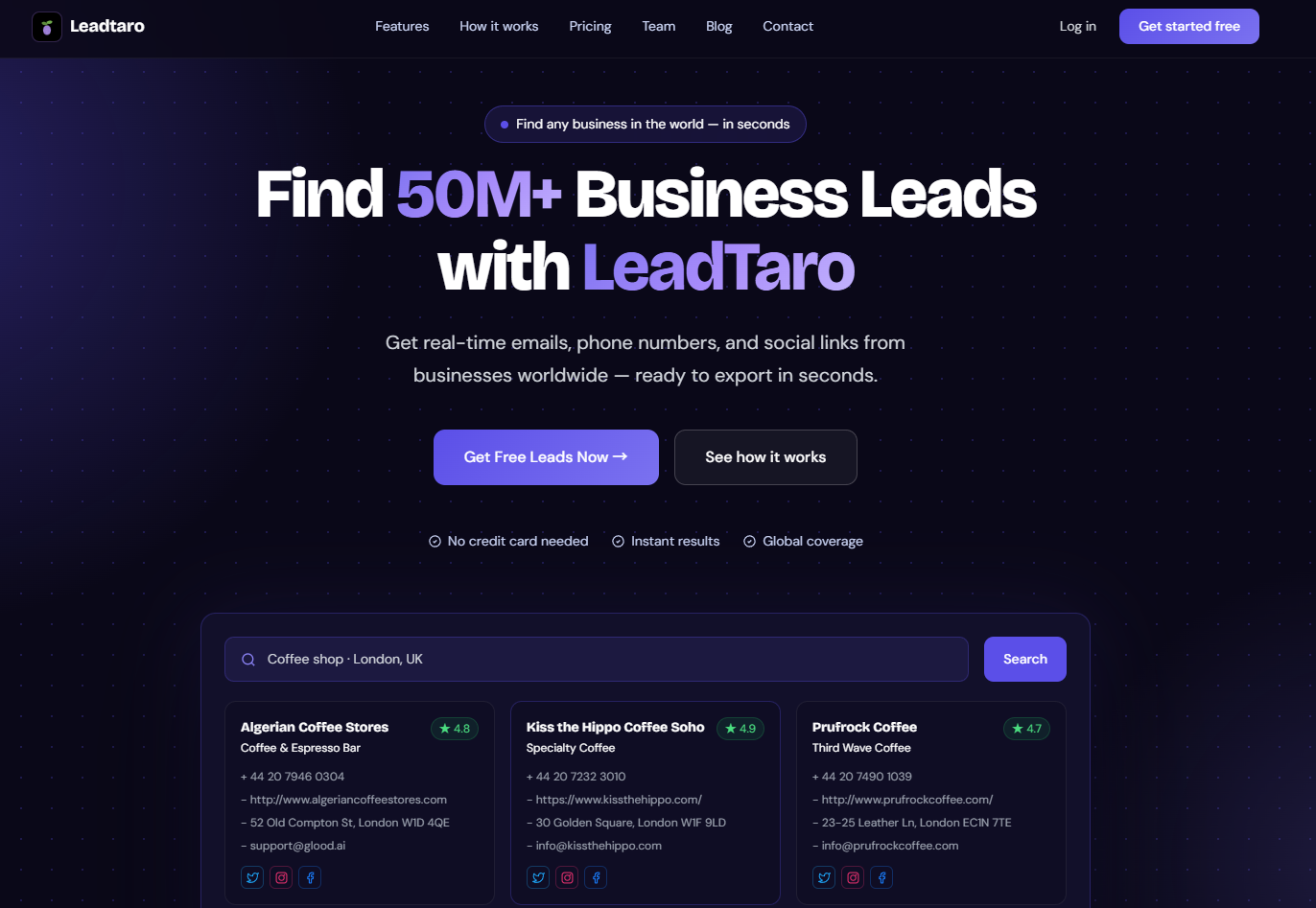
LeadTaro fits into this broader B2B lead generation category. It helps users find business leads and access contact information for prospecting.
For teams that use LinkedIn to research decision-makers, a business lead database can complement that research by providing a separate starting point for discovering companies and potential business contacts.
Why LinkedIn Data Alone Isn't Enough
LinkedIn is useful for professional research, but a profile does not necessarily provide everything required for an effective B2B outreach campaign.
You may identify a company founder and confirm their role, but still need to establish:
The company's official website
Its industry and business model
Its location and operating market
Relevant business contact details
Whether the company matches your ideal customer profile
Whether your product solves a relevant problem
Whether the available contact information is current and usable
These gaps matter because a professional profile is not the same as a complete, qualified lead record.
Example: Finding Prospects for a Sales Automation Product
Imagine you sell a sales automation platform to small marketing agencies.
You identify 200 agency founders through professional research. Their names and job titles look promising, but the list does not tell you which agencies have the right business model, which have relevant contact details, or which are likely to benefit from your product.
A more complete workflow would involve:
Identifying the companies associated with those profiles.
Reviewing company websites and business activities.
Checking available contact information.
Evaluating each business against your ICP.
Prioritizing companies with a relevant use case.
Personalizing outreach based on verified business information.
This process turns a list of professional profiles into a more useful prospecting resource.
How to Enrich LinkedIn Prospects With Business Data
Lead enrichment adds useful information to an existing prospect record.
For example, you might begin with a LinkedIn profile containing a person's name, job title, and company. Enrichment can help you associate that person with a company domain, business website, relevant business details, and available contact information.
The goal is to improve the completeness and usefulness of the record, not simply to collect more fields.
Step 1: Identify Your Target Companies
Start with a clear ICP.
Define the industries, company sizes, geographic markets, and business characteristics most relevant to your product.
If you sell software to recruitment agencies, for example, focus on recruitment firms rather than collecting profiles from unrelated industries.
Step 2: Research Relevant Decision-Makers
Use LinkedIn and other appropriate professional research sources to identify people whose roles align with the purchasing decision.
Depending on your product, relevant contacts may include founders, department heads, sales managers, operations managers, or procurement professionals.
Do not assume that every senior employee has purchasing authority. Confirm the decision-making structure when possible.
Step 3: Match Contacts to Company Records
Connect each professional profile to the correct business.
Company names can be ambiguous, and employees may move between organizations. Check the official website, company domain, location, and other available details before merging records.
This reduces the risk of attaching contact information to the wrong business.
Step 4: Enrich Available Business Information
Add relevant information from appropriate sources, such as:
Official company website
Industry and business category
Company location
Public business phone number, where available
Relevant business email address, where available
Company size and business characteristics
Relevant products or services
Not every source provides every field. Record the source and verification status where possible, and avoid treating inferred information as confirmed fact.
Step 5: Validate Contact Details
Check email addresses and other contact information before using them in outreach.
A valid domain does not guarantee that a specific mailbox exists. Likewise, an email verification result does not prove that the recipient is interested in your product.
Keep data quality and qualification as separate steps.
Step 6: Organize the Enriched List
Store the resulting information in a spreadsheet or CRM.
Useful fields include company name, website, industry, contact role, available email, verification status, ICP fit score, source, and outreach status.
A well-organized record makes it easier to personalize messages, avoid duplicate outreach, and measure campaign performance.
Building a B2B Lead Generation Workflow
The strongest prospecting workflows combine discovery, enrichment, qualification, and outreach rather than treating each as a separate activity.
A Practical Seven-Step Process
1. Define your ICP.
Specify the industries, company sizes, locations, and business needs that matter most.
2. Discover potential companies and contacts.
Use appropriate prospecting platforms, professional research, company directories, and B2B lead generation tools.
3. Enrich company records.
Add relevant business information from suitable sources to improve targeting and personalization.
4. Validate available contact details.
Check email addresses and other contact information before using them in campaigns.
5. Score and segment prospects.
Prioritize businesses that closely match your ICP and have credible indicators of a relevant need.
6. Personalize your outreach.
Use verified business context to explain why your offer may be useful to the prospect.
7. Measure and improve.
Track replies, positive responses, meetings booked, opportunities created, and conversions. Use these results to refine your targeting.
This workflow helps you avoid a common mistake in outbound sales: measuring success by the number of contacts collected instead of the number of qualified opportunities created.
How to Qualify and Prioritize LinkedIn Prospects
Not every prospect deserves the same amount of attention.
A simple scoring model can help you rank potential customers according to their fit and available qualification signals.
The following example uses a 100-point scale. The weights are illustrative and should be adjusted to your business.
CriterionPointsCompany matches your target industry+20Company size fits your ICP+15Geographic market is relevant+10Business has a plausible use case+15Relevant decision-maker identified+15Business contact details validated+10Relevant buying need or intent established+10Positive engagement with outreach+5Total100Use the score to organize your workflow:
80–100: High priority, provided the available information supports the score.
50–79: Potentially suitable, but additional research or qualification may be necessary.
Below 50: Lower priority until better evidence of fit or need becomes available.
Do not award points for buying intent simply because a company has a complete profile. If you do not know whether the business has a budget or an immediate need, leave that information unconfirmed.
Why Data Quality Matters
Incomplete or inaccurate prospect records can undermine even a well-designed scoring model.
For example, a company might appear to match your ICP but have an outdated website, an incorrect domain, or contact details associated with a former employee.
Before prioritizing a lead, check the reliability of the information used to calculate its score.
The result should be a smaller, more relevant list that supports meaningful sales activity.
How LeadTaro Fits Into Your Prospecting Strategy
LeadTaro helps users find B2B business leads and access business contact information for prospecting.
You can use it as part of a workflow that begins with defining your target market and building a relevant list of potential business customers.
For example, if you are targeting small businesses in a particular industry, your process could look like this:
Define the types of businesses most likely to need your product.
Use LeadTaro to find relevant B2B business leads.
Review company information and available contact details.
Validate important fields before outreach.
Apply your lead scoring criteria.
Research individual decision-makers where necessary.
Launch relevant outreach and measure the results.
If your team already uses LinkedIn for professional research, you can incorporate that research into the same process where appropriate.
The important distinction is that LinkedIn research and business lead generation serve complementary purposes. LeadTaro should not be treated as a LinkedIn scraping tool unless that capability is explicitly available in the product.
Why a Focused Prospect List Is More Useful
Collecting thousands of contacts does not automatically produce more sales opportunities.
A focused prospect list makes it easier to understand each target market, personalize outreach, manage follow-ups, and identify which business segments generate the strongest results.
For early-stage businesses and small sales teams, this can be more valuable than maximizing the raw number of records in a database.
LeadTaro can help with the lead discovery stage, while your qualification criteria and outreach strategy determine how you use those leads.
Best Practices for B2B Lead Generation in 2026
Prioritize Relevance Over Volume
Build your prospect list around a specific ICP instead of collecting every available business record.
A smaller list of suitable prospects is often easier to research and personalize than a much larger list containing unrelated companies.
Keep Contact Information Up to Date
Business details change. People change roles, companies move, websites become inactive, and email addresses stop working.
Validate important fields before launching a campaign, and review your data regularly.
Personalize With Verified Information
Use company websites, publicly available business information, and appropriate professional research to identify relevant details.
Avoid inventing a business challenge or assuming that a prospect needs your product without supporting evidence.
Track Outcomes, Not Just Activity
Measure positive replies, qualified meetings, opportunities, and revenue alongside the number of emails sent.
A campaign with fewer messages can be more valuable if it reaches the right audience and produces better opportunities.
Use Automation Responsibly
Review the data sources, platform terms, and applicable rules before automating collection or outreach.
Avoid workflows that depend on unauthorized access, excessive requests, or misleading personalization.
Is LinkedIn Scraping Legal?
The legality of LinkedIn scraping depends on the data involved, the collection method, the applicable jurisdiction, and the intended use.
LinkedIn's contractual terms restrict certain forms of scraping and unauthorized automated access. Public visibility does not automatically grant permission to collect, reuse, or distribute personal information without restriction.
The legal framework can also vary by country. Data protection requirements, electronic marketing rules, contractual restrictions, and platform policies are separate considerations.
For example, businesses processing personal data about UK or EU individuals may need to consider GDPR requirements, including lawful basis, transparency, data minimization, and the handling of objections. Electronic marketing requirements must also be assessed separately.
In the United States, applicable state privacy laws and other relevant rules may affect how certain information is collected and used.
Practical Compliance Checklist
Before implementing a prospecting workflow:
Review the platform's current terms and permitted data access methods.
Avoid unauthorized access or automated collection that violates applicable restrictions.
Identify the lawful basis for processing personal data where required.
Collect only information relevant to your business purpose.
Check applicable email marketing and privacy requirements.
Provide required sender identification and opt-out mechanisms.
Honor objections and suppression requests.
Secure stored contact information and delete data when it is no longer needed.
A business contact being publicly visible does not automatically make every form of outreach lawful. If your campaign spans multiple jurisdictions, obtain appropriate legal guidance before scaling it.
Frequently Asked Questions
What is the best LinkedIn scraping tool in 2026?
The best option depends on your objective. LinkedIn Sales Navigator is useful for professional prospect research. Contact enrichment platforms can help discover or validate business contact information, while sales automation tools can organize outreach workflows. Evaluate each tool based on its actual capabilities, data quality, integrations, and compliance requirements.
Can I scrape LinkedIn profiles for lead generation?
Some tools offer automated data collection, but LinkedIn restricts certain forms of scraping and unauthorized automation. Before using any tool, review the current platform terms, applicable laws, and permitted data access methods. Manual research and authorized prospecting features may be more appropriate for some workflows.
How do I find email addresses for LinkedIn prospects?
Start by identifying the correct company and professional contact. Depending on the available information and applicable rules, you may be able to use business websites, authorized contact discovery services, or B2B lead generation platforms to find relevant business contact details. Validate email addresses before outreach and do not assume that an address is correct merely because a tool returned it.
What is B2B lead enrichment?
B2B lead enrichment is the process of adding relevant company and contact information to an existing prospect record. It may include company websites, industry, location, business contact details, and other firmographic attributes. The goal is to make prospect records more useful for qualification and outreach.
Can I combine LinkedIn research with B2B lead generation tools?
Yes. You can use professional research to identify decision-makers and use suitable business data sources to research their companies and available contact details. Match records carefully, validate information, and follow the rules governing each source and your intended use.
How does LeadTaro help with B2B prospecting?
LeadTaro helps users discover B2B business leads and access business contact information for prospecting. You can use these leads as a starting point for company research, qualification, segmentation, and outreach. Confirm individual contact details and assess prospect fit before launching a campaign.
Is a larger prospect list always better?
No. List size is only one part of prospecting performance. Relevance, contact accuracy, qualification, personalization, and campaign execution all influence the results. A smaller list of suitable companies can be more useful than a large list of poorly matched prospects.
Conclusion
LinkedIn can be a valuable starting point for identifying B2B decision-makers, but professional profile data alone rarely tells you everything you need to qualify a prospect.
A more effective strategy combines focused prospect discovery, accurate company information, validated contact details, clear ICP criteria, and consistent lead scoring.
Use professional research to understand who you want to reach, business data to evaluate the companies they work for, and campaign results to improve your targeting over time.
LeadTaro can support the business lead discovery stage by helping you find B2B prospects and access business contact information. Combine that starting point with careful research, responsible outreach, and continuous measurement to build a more focused prospecting process.
Start with relevant B2B leads, qualify them with reliable data, and build your outreach around the businesses most likely to benefit from your solution.